Resources /Apr 24, 2025 /Updated Apr 14, 2026 /4 min read
Closed Beta Testing with BetaHub: Everything You Need to Know

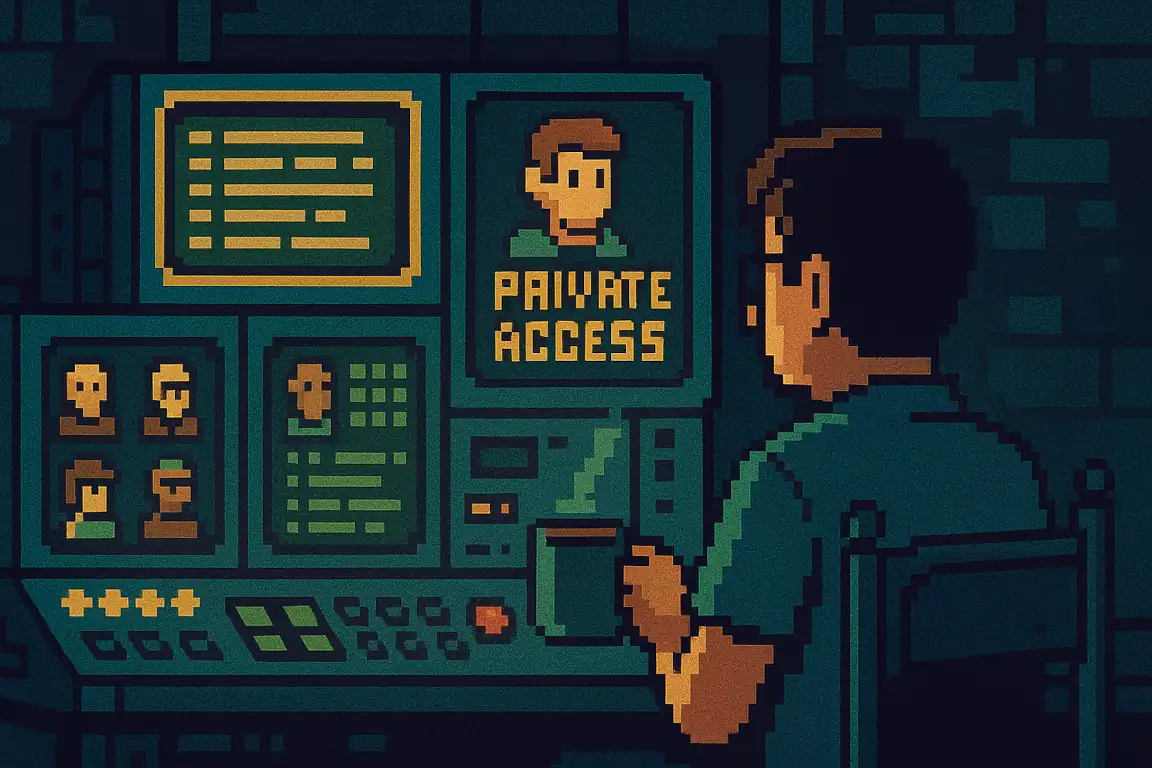
Closed beta testing is one of the most critical stages in game development—it’s where good games become great. Whether you’re fine-tuning gameplay mechanics, balancing weapons, or crushing those pesky bugs, this phase gives developers a golden opportunity to polish their game with real-world feedback, before going public.
At BetaHub, we’ve built a game-focused platform that makes this entire process smoother and faster. With features like private projects, NDA handling, AI-powered bug triage, and tight Discord integration, we’re here to help you run your closed beta like a pro. Let’s walk through how to do exactly that.
What Game Devs Really Want from Closed Beta Testing
Closed beta testing isn’t just about spotting bugs—it’s about refining your game with quality feedback from a trusted circle of testers. Here’s what devs usually expect from a closed beta setup:
-
Centralized Feedback Collection
Tools to gather, prioritize, and analyze bug reports—especially with AI to help organize it all. Bonus points for sentiment analysis.
-
A Controlled Testing Environment
Only approved testers get in. Think private invites, Steam key distribution, and NDAs to keep things secure.
-
Integration with Dev Tools
Game engines like Unity and Unreal? Check. Jira and Asana? Absolutely. The less time you spend juggling platforms, the better.
-
Tester Management Tools
Easily invite testers, track who’s participating, and make sure they meet your system requirements.
-
Performance & Device Data
Collecting hardware specs, network latency, and performance metrics from testers to diagnose issues across different setups.
BetaHub was built with all of this in mind. Let’s break down how our tools meet these needs.
BetaHub’s Closed Beta Power Tools
Here’s how BetaHub makes closed beta testing painless and productive:
| Feature | What It Does | Why It Matters |
|---|---|---|
| Private Projects | Lock down your beta so only approved testers can access it. | Keeps your build safe and your feedback relevant. |
| Steam Product Keys | Automatically distribute keys to testers when they join (experimental feature — enable in Settings > Experimental Features). | No more juggling spreadsheets—streamlined access. |
| Device Information | Collect device specs when testers submit bug reports. Can be marked as required, or requested via automation rules after submission. | Ensure you have the hardware context needed to reproduce issues. |
| Bug Isolation | Testers can’t see each other’s reports. | Avoid copycat bugs and skewed feedback. |
| NDA Acceptance | Testers must agree to an NDA before access. | Your secrets are safe with us (and them). |
| Discord Bot Integration | Collect feedback directly in your private server. | Real-time reports, no extra setup. |
| AI-Driven Analysis | Auto-tags, prioritizes, and analyzes bugs. | Save hours sorting through submissions. |
| Game Engine Integration | Connect to Unreal and Unity for seamless capture tools. | Report bugs with in-engine screenshots or clips. |
| Project Management Sync | Push issues straight to Jira, Asana, or Redmine. | Stay organized and on track without copy-pasting. |
| Custom Web Forms | Add lightweight feedback forms anywhere. | Flexible input from outside BetaHub too. |
Step-by-Step: Running a Closed Beta Test with BetaHub
Ready to launch your closed beta? Here’s a quick playbook:
Create a Private Project
- Log into your BetaHub account and spin up a new project.
- Flip on Private Mode and configure your access requirements—NDAs, hardware specs, and more.
Invite Your Testers
- Use the built-in invite system to bring testers onboard.
- If you’ve enabled Steam key distribution (experimental feature), keys are assigned automatically when testers join.
Start Collecting Feedback
- Turn on bug isolation to keep feedback honest and unfiltered.
- Add the BetaHub Discord bot to your server for seamless bug reporting right from chat.
- Drop in custom web forms for feedback from anywhere—no account needed.
Analyze with AI
- Let BetaHub’s AI categorize and prioritize issues automatically.
- Use sentiment analysis to understand how your testers really feel.
- Export reports straight into Jira, Asana, or Redmine with zero hassle.
Monitor, Iterate, Improve
- Watch tester activity and track feedback trends.
- Focus on hot zones using Heat scoring to identify high-impact issues.
- Keep improving your game based on actionable insights.
FAQs
What is closed beta testing?
It’s a limited-access testing phase where a small group tries out your game before launch to catch bugs, balance issues, and performance problems.
How does BetaHub ensure confidentiality?
Private projects, NDA acceptance, and bug isolation keep your game secure and your data clean.
Will it work with my dev tools?
Yes! BetaHub plays nice with Unreal, Unity, Jira, Asana, Redmine, and more.
Join for free today
Supercharge your team with the best bug tracking and player feedback tools. No credit card required, forever free.

Our Mission
At BetaHub, we empower game developers and communities with an engaging platform for bug submission. We foster collaboration, enhance gaming experiences, and speed up development. BetaHub connects developers, testers, and players, making everyone feel valued. Shape the future of gaming with us, one bug report at a time.

2026 © Upsoft sp. z o.o.