BetaHub Documentation
BetaHub is a feedback collection platform built for games. Testers submit bug reports, suggestions, and ideas via Discord, in-game widgets, or web forms. You get organized, actionable feedback with screenshots, videos, and system logs.
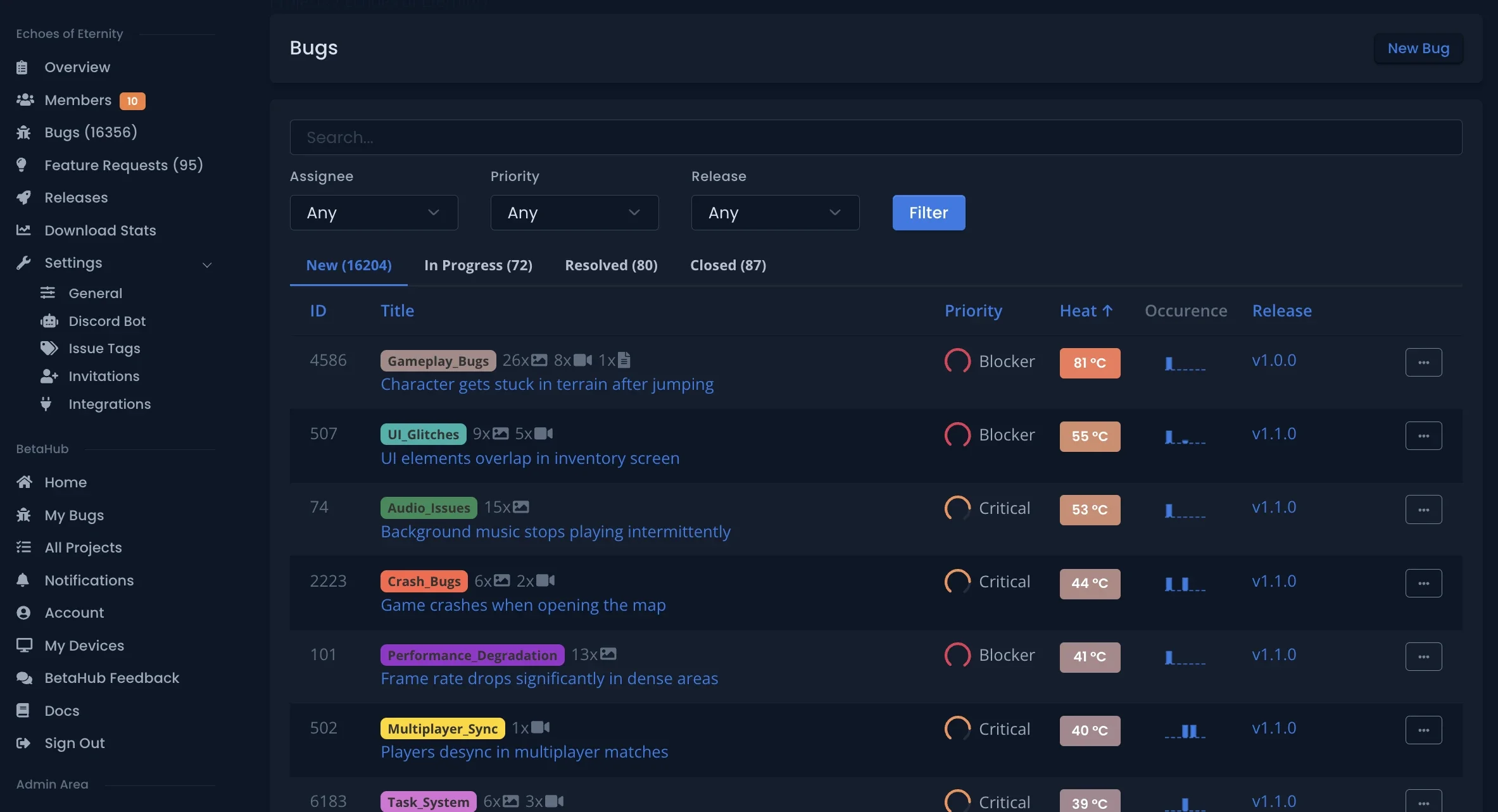
I’m a Developer
Set up feedback collection for your game in minutes.
What you can do:
- Collect feedback from Discord using our Discord bot that auto-titles and categorizes submissions
- Add in-game feedback forms with automatic screenshots and logs (Unity, Unreal)
- Embed a feedback widget in HTML5/WebGL games
- Connect to your tools via webhooks and REST API
Start here:
- Project Setup – Create your first project
- Integration Setup – Connect your game
- Managing Feedback – Triage and resolve issues
I’m a Tester
You’re here to share feedback and help make games better.
Typical setup: If a developer invited you to test their game, you’ll submit feedback through Discord or an in-game menu. Just follow the instructions the developer gave you.
If you need help:
- Joining Projects – Access a project you’ve been invited to
- Submitting Feedback – How to submit bugs and suggestions
- Discord Commands – Submit feedback via Discord
Explore Features
- Core Features – Feedback management, duplicate detection, AI assistance
- Discord Bot – Community-driven feedback collection
- Advanced Features – Webhooks, API, team management
Need Help?
Check Support & FAQ or join our Discord community.